When people ask about the cost of website security, the real question usually isn't "how many dollars" — it's "what exactly am I paying for." That's also the honest answer: there is no single fixed price for website security, because it depends on the site's current state, the type of site, and how deep the work needs to go. Instead of quoting a number, this post walks through the components that actually drive the cost of website security.
Why website security cost isn't a fixed number
Two sites that look similar from the outside can have completely different security needs. A simple corporate site with a few informational pages carries a different risk profile than an online store with a payment gateway and customer accounts. Likewise, a site that just launched and hasn't been touched needs a very different path than a site showing signs of being hacked right now. Before any estimate makes sense, you first need to know where the site currently stands.
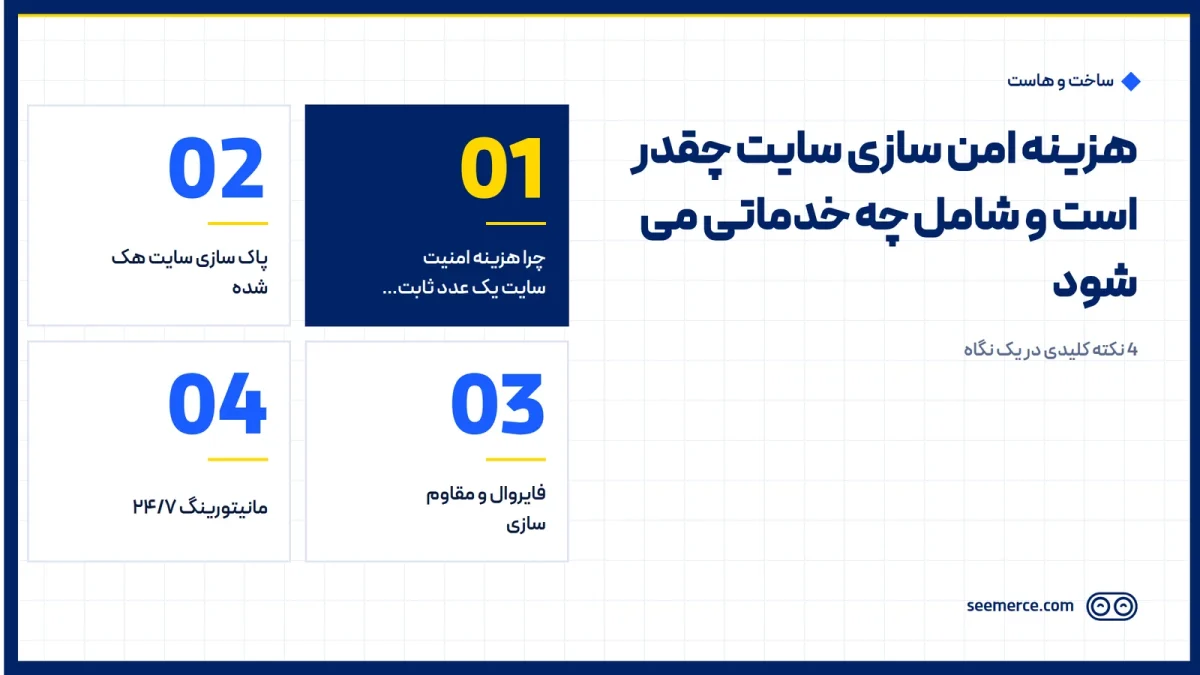
On the website security page, the defense system is built around four main layers: hacked-site cleanup, firewall and hardening, 24/7 monitoring, and automatic backup. These four are essentially the components the final cost is built from — depending on its situation, a given site might need all four, or only part of them.
Hacked-site cleanup: when it's past prevention
If a site is already infected, the first cost that comes up is cleanup, not hardening. The team has to find malicious files and backdoors, close the intrusion path, and get the site removed from Google's blacklist. How deep this work goes depends on a few things: how long the site has been infected, how many files and database tables are affected, and whether the malware only touched the site's surface or reached the server level too.
Cleanup alone isn't enough. If the entry point that let the attacker in isn't closed, the same path gets used again and the site gets stuck in a cycle of being hacked and cleaned. That's why a hacked site usually needs both cleanup and hardening together, not just one or the other.
Firewall and hardening: cost that prevents the next cost
This layer covers firewall (WAF) configuration, limiting login attempts on the admin page, enabling two-factor authentication, and setting security headers on the server. Its purpose is to counter threats like brute-force attacks, where the admin panel password is guessed repeatedly and automatically; if the login page isn't protected, a weak password gets cracked quickly.
How much hardening is needed depends on factors like the number of admin users, the number and variety of installed plugins, and the site's underlying infrastructure. A site with dozens of outdated plugins and several high-privilege admins naturally needs far more extensive hardening than a simple site with one admin and a handful of plugins.
24/7 monitoring: cost for early detection
Monitoring means continuously watching for file changes, suspicious login attempts, and uptime, so a problem gets caught before it turns into a full-blown crisis. This layer behaves more like an ongoing cost than a one-time job, since it runs continuously over time.
Its value shows up mainly in response speed, not in guaranteed attack prevention. DDoS attacks are a good example: fake traffic overwhelms the site's infrastructure, and every hour of downtime means a complete stop in access and sales. Active monitoring helps this kind of disruption get spotted and managed early, instead of the site owner finding out through a customer complaint.
Automatic backup: the cost that guarantees the last line of defense
Regular, encrypted backups stored separately from the main hosting server are the last line of defense. If every other layer fails, having a healthy, restorable backup is the difference between a small incident and a total disaster. Periodic restore testing is part of this cost too, because a backup that's never been tested for restoration isn't a guarantee it will work on the day you actually need it.
Factors that push the scope and cost up or down
Before requesting a consultation or quote, knowing this list helps you get a more accurate sense of the scope:
- Whether the site is already hacked or the goal is prevention — the first case always means a larger scope of work.
- Type of site: an online store with a payment gateway and user data carries a higher risk level, and therefore deeper work, than a simple corporate site.
- Number of admin users and each one's access level; every extra admin account is one more potential entry point.
- Number and update status of installed plugins and themes.
- Whether the site has been hacked before; a site that's been infected once needs a more thorough check for leftover backdoors.
- The site's hosting infrastructure, and whether server-level hardening is needed too, or the issue is limited to the WordPress layer. For sites where the server infrastructure itself needs review, choosing the right Linux hosting is part of that equation.
It's the combination of these factors that determines whether a site needs all four defense layers or only some of them, and that same combination is the basis for estimating website security cost. Because these variables differ from site to site, the right path is requesting an accurate quote, not relying on a rough, generic figure.
Why it's better to plan for this cost in advance
Many site owners first think about security only after their site has already been hacked. That's understandable — until something goes wrong, security feels like an abstract cost. But the gap between the cost of prevention and the cost of recovery is usually large, because recovering from a successful attack isn't just technical cleanup; a drop in Google rankings, lost user trust, and lost sales during downtime are all part of the real damage, and they're hard to capture in a single number.
Ideally, security is built into the project's technical spec from the website design stage itself, rather than bolted on afterward. That said, sites that are already live can absolutely still be secured — the scope in that case just also includes reviewing the existing state, not just configuring from scratch.
The right way to get an accurate quote
Since website security cost depends on the factors above, the most useful first step is requesting an initial assessment, not guessing a number based on hearsay. That assessment looks at the site's current state (clean or infected), the type of business, and the current infrastructure, and determines from there which of the four defense layers — cleanup, firewall and hardening, monitoring, and backup — that specific site actually needs.
This approach is more transparent than quoting a flat rate for every site, because a simple corporate site and a high-traffic online store should never pay the same amount; the work done should match that site's actual risk.
What we don't do
To be honest about it: no security system, on any infrastructure, can promise "you'll never get hacked." Anyone who makes that promise is either not being truthful or doesn't understand how web security actually works. What we actually do is raise the cost and time required for a successful intrusion, lowering the odds of an attack succeeding — and if something does happen, monitoring and backups keep the damage to a minimum. The realistic promise is risk reduction and fast detection and response, not an absolute guarantee.
We also never run a penetration test without the site owner's written authorization; that kind of testing only happens with explicit, pre-agreed permission.
Frequently asked questions
How can website security cost be estimated?
An accurate estimate requires reviewing the site's current state: hacked or healthy, type of site, number of admin users, and plugins. The best path is requesting an initial review and getting a quote tailored to that specific site, rather than relying on a generic figure.
Isn't installing a single security plugin enough?
A security plugin is one useful layer, but a significant part of the work — like server-level hardening and firewall configuration — happens outside what a WordPress plugin can reach.
If my site hasn't been hacked, do I still need to pay for security?
Yes, because in that case the goal is prevention, not cleanup. The cost of prevention is typically far lower than the cost and time a successful attack's cleanup and recovery would take.
Does an SSL certificate count as part of website security cost?
SSL only encrypts the connection between the user and the server; it doesn't prevent the site itself from being hacked. It's a separate layer and doesn't replace a firewall, monitoring, or backups.

Comments and questions
No comments yet. If you have a question, we'd be glad to hear it.
Write a comment