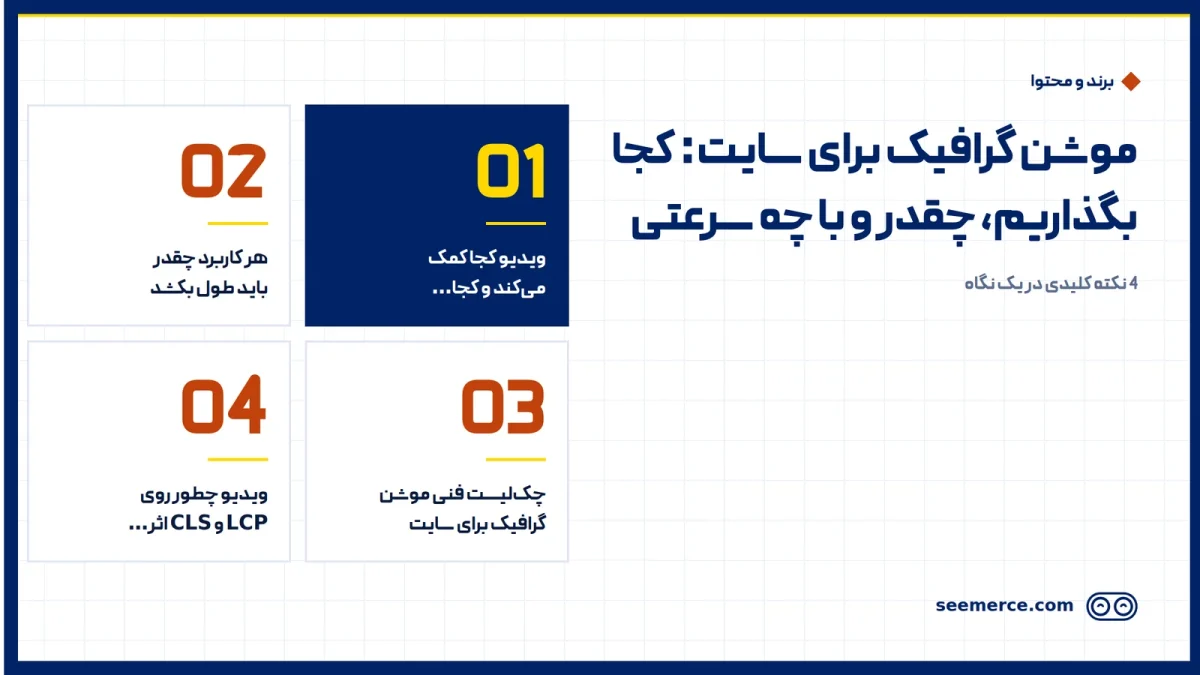
A motion graphic on your website works when it answers one clear visitor question faster than text can, and doesn't slow the page down. Our rule is simple: a 30 to 90 second explainer with sound should only play when the visitor clicks. If you want some movement at the top of the page, a light, silent 5 to 10 second loop with a poster image is enough. Below we cover where video helps, where it hurts, and the short technical checklist that protects your speed, SEO and conversions.
Where video helps on a site, and where it hurts
With motion graphics for a website, where the video sits matters more than the video itself. A good video in the wrong place slows the page and pulls attention away from the main button. Before we start production, we usually go through this table with the client:
| Placement | Best format | When it helps | When it hurts |
|---|---|---|---|
| Top of the homepage (hero) | Silent 5 to 10 second loop, or a poster with a play button | When the product is understood from one short movement | When the file is heavy, has sound, or covers the headline and button |
| Below the first screen | 60 to 90 second explainer that plays on click | When the visitor has read the headline and now asks "how does it work?" | When it is the only place the page's main message lives, with no text beside it |
| Product or service page | Short 30 to 60 second clip next to the images | To show how something works, installs, or how models differ | When it replaces the main images and doubles the page weight |
| Onboarding and in-app help | 10 to 20 second clips, one per step | When it shows a multi-step task in a few seconds | When it forces people to watch and has no skip button |
A mistake we see a lot: a full explainer, with sound and autoplay, dropped at the top of the homepage. The result is usually a slow page. Mobile visitors close it before they even see the headline. In those cases we put a short loop or a still image back at the top and move the main video one section down.
How long each use should be
For a homepage intro video or a video on a landing page, there are two separate formats. Don't mix them:
- Hero loop, 5 to 10 seconds: silent, with no essential text and no clear start or end. Its only job is to set a mood and show one moment of the product. If a visitor never sees it, they shouldn't miss anything.
- Explainer, 30 to 90 seconds: with voiceover or captions and one clear message. For most landing pages 60 seconds is a good target. You rarely need more than 90.
A rule of thumb we use in the studio: a Persian voiceover runs at about 2 to 2.5 words per second, so a 60 second script is roughly 130 to 150 Persian words (English narration usually lands in a similar range). If your script is 250 words, either it has to get shorter or the video runs longer than a landing-page visitor will sit through.
A sample structure for a 60 second landing-page video:
- Seconds 0 to 5: the visitor's problem in one sentence.
- Seconds 5 to 20: why current options don't work.
- Seconds 20 to 45: your solution in three simple steps.
- Seconds 45 to 55: one reason to trust you, such as how you work or a guarantee.
- Seconds 55 to 60: a call to action that matches the button on the same page.
If the video's message and audience aren't clear yet, start with a motion graphic brief. The brief also decides where on the site the video belongs.
A simple technical checklist for web motion graphics
We check this list on every web video we deliver. Most speed and user-experience problems come from one of these items being missed:
- Poster image: every video has a compressed still image that shows before the video loads. We keep it in a modern image format and at a few dozen kilobytes.
- Lazy loading or load on click: the explainer isn't downloaded until the visitor presses play. Videos further down the page only load as they get close to the viewport.
- Autoplay rules: browsers only autoplay muted video. For a hero loop we set the video to muted, looping and inline playback on mobile. If the visitor has turned on "reduce motion" on their device, we show the poster instead of the loop.
- Pause control: any movement that lasts more than a few seconds needs a way to stop it. That helps accessibility and anyone who finds it distracting.
- Captions: a large share of visitors watch with the sound off. An explainer needs a separate caption file, not text burned into the picture, so it stays readable and can be translated.
- File size: our rule-of-thumb target is under about 1 to 1.5 MB for a hero loop, and under about 5 to 8 MB for the 720p mobile version of a 60 second explainer. The desktop version can be bigger because it only loads on click.
- Formats: one MP4 file in H.264 with a widely compatible profile for every browser, plus WebM or AV1 versions for browsers that support them. The browser picks the lightest version it can play.
- Reserved aspect ratio: the video frame takes its space on the page from the start at a fixed ratio such as 16:9 or 9:16, so content below it doesn't jump when the video arrives.
- A silent loop means no audio track: we strip the audio track from hero loops entirely. It saves weight and avoids odd behaviour in some browsers.
How video affects LCP and CLS
Core Web Vitals measure how fast and stable a page feels to the visitor. Video has the biggest effect on two of them:
- LCP (Largest Contentful Paint): if the video is the largest element on the first screen, its poster image is usually what gets measured. So the poster has to be light and loaded with priority, and the video file mustn't hold up the headline and button.
- CLS (Cumulative Layout Shift): when the video frame isn't reserved in advance, everything below it jumps down when the video arrives. Reserving the aspect ratio solves this completely.
One less obvious point too: ready-made players embedded from outside video services often bring a lot of script with them and make the page slower to respond to taps. Our fix is a facade: until the click, only the poster and a play button are shown, and the real player loads after the click. If your current page is already slow, do website speed optimization first, then add the video.
Video SEO for videos hosted on your own site
A background loop in the hero isn't meant to show up in video search results, and that's fine. But if you want your explainer to be found in search on its own, you need these basics:
- A dedicated watch page: search engines mostly show a video in video results when it's the main content of the page. So besides the landing page, build a separate page where the video is the main feature.
- Title and description: a title that says exactly what the video shows, and a few sentences of description that match its content.
- Thumbnail: a clear still image of the video's key moment, not a blurry frame from the middle of a movement.
- Full transcript: put the voiceover text below the video. It helps visitors without sound and gives search engines readable content.
- VideoObject structured data: markup in the page that tells search engines the video's name, description, thumbnail, upload date, duration and file address.
- Video sitemap: a separate list, or part of your sitemap, that announces the pages with video and each video's details so they're found faster and more accurately.
We usually plan for these in the page templates during web design, so each new video only needs its details filled in.
A lighter alternative: vector animation for icons and UI
With motion graphics for a website, not every movement has to be a video. For icons, button states, simple charts and process steps, vector animation is a lighter choice. These animations are built from mathematical shapes, stay sharp at any size, and usually weigh a few kilobytes to a few dozen.
There are two common routes. One is animating the page's vector graphics directly, which is enough for simple movement. The other is Lottie files, which bring an animation designed in animation software to the site as vector data and suit more complex movement. Our decision rule is simple: if the motion involves real imagery, complex textures or more than a few seconds of storytelling, video is better. If the shapes are simple and flat, vector animation is lighter and cleaner.
In Seemerce's motion graphic services, we build both from one design so the landing-page video and the site's animated icons share one visual language. If you're still deciding between the two, our article on motion graphics vs animation can help you choose.
What we don't do
- We don't autoplay video with sound on a website. Sound always starts with the visitor's choice.
- We don't hand over one heavy file. Our web delivery is a set: MP4 and WebM versions, a mobile version, a poster and a caption file.
- We don't put the page's main message only inside the video. The headline and the text beside it should be complete without watching.
- We don't promise rankings just from adding a video. Video works alongside good content and good speed, not instead of them.
To see the full path from script to web-ready files, take a look at our motion graphic production process.
Frequently asked questions
Does a homepage video slow the site down?
Not if it's implemented properly. With a light poster, click-to-play for the explainer, a small hero loop and a reserved aspect ratio, the effect on speed, LCP and CLS stays very small. Problems start when a large file with sound loads automatically without a poster.
Should we host the video ourselves or embed it from a video service?
For a short hero loop, self-hosting is better because you fully control file size and playback. For a longer explainer either works, as long as the embedded player only loads after the click. If being found in video search matters to you, build the dedicated watch page on your own site.
Should the homepage video autoplay?
Only if it is silent and short, and browsers only allow muted autoplay anyway. An explainer with voiceover should start when the visitor clicks and have a pause control.
What length works best for a landing-page video?
For most landing pages, about 60 seconds, which is roughly 130 to 150 Persian words of script. If the product is simple, 30 seconds is enough, and you rarely need more than 90.

Comments and questions
No comments yet. If you have a question, we'd be glad to hear it.
Write a comment