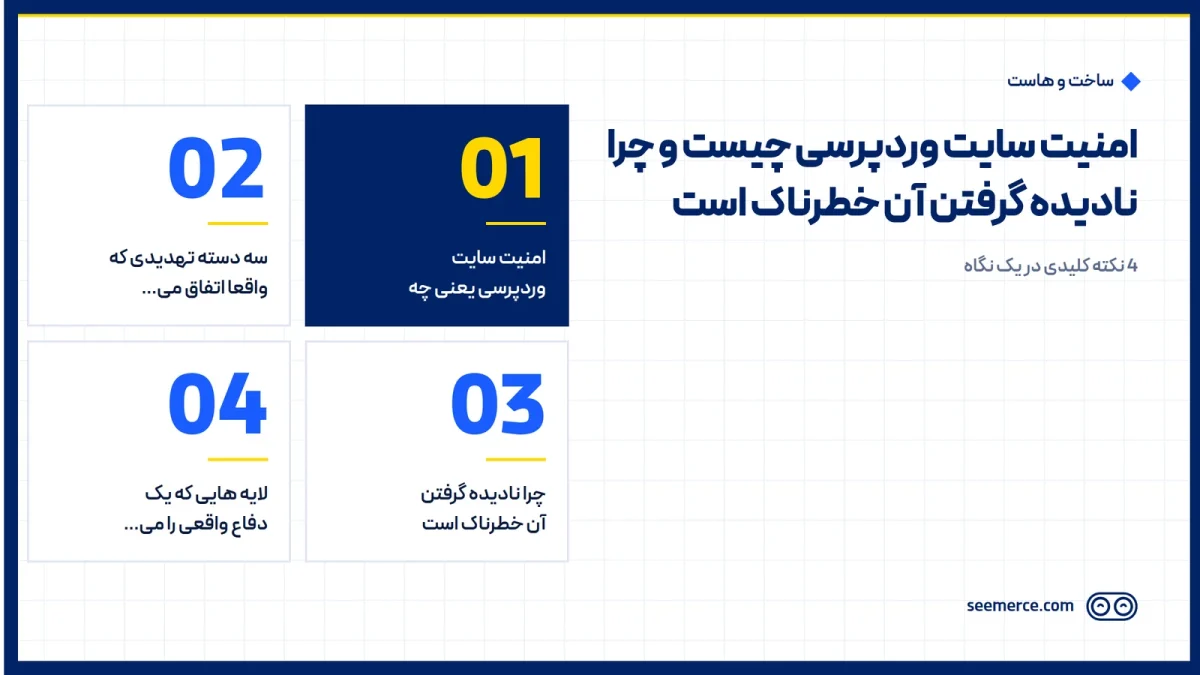
Many website owners never think about security until the day their site gets hacked. The site loads, orders come in, everything looks normal. The problem is that weak security usually shows no signs at all, until someone exploits it, and by then the cost is far higher than prevention would have been. This post explains what WordPress security actually means, where the real threats come from, and why ignoring it is a measurable risk, not an abstract worry.
What WordPress security actually means
WordPress is open-source software that runs millions of sites, and that popularity is exactly what makes it an attractive target for automated attacks. WordPress security means a set of layers that block intrusion, code injection, and abuse of server resources: everything from user passwords and access levels to the state of the core and plugins, down to the server's own configuration. None of these layers is enough on its own; real security comes from all of them working together.
The important part is that security is not a one-time action. A site that is configured securely today can become vulnerable again within a few months if plugins go unpatched or nobody is watching for suspicious traffic. That's why security behaves more like ongoing maintenance than a project you finish once.
Three threat categories that actually happen
Attacks on WordPress sites are rarely random; automated scripts scan thousands of sites every day for the same handful of patterns.
- Malware and web shells: a malicious file is injected into the site, giving the attacker control over part of the site or the whole host. The usual result is malware being served to visitors and the site being removed from Google's results, since Google flags or delists infected sites to protect its own users.
- Brute force attacks: a password is tried repeatedly and automatically against the admin login. A weak password and an unprotected login page (no limit on attempts) eventually break, usually sooner than expected.
- DDoS attacks: a flood of fake traffic overwhelms the site's infrastructure. For an online business, every hour of downtime means a complete stop in sales and lost trust from visitors who found the site offline.
These three aren't hypothetical; they're the most common patterns seen in WordPress breaches. A site with no defensive layer will sooner or later run into one of them.
Why ignoring it is dangerous
The real cost of a breach isn't the cleanup cost; it's the hidden costs that follow. Once Google flags a site as unsafe or malware-infected, rebuilding search engine and visitor trust takes weeks, even after the issue is fixed. For an online store, every day the site is down or showing a security warning means lost orders.
Another problem is that breaches usually start quietly. A malicious file can sit active for weeks without the site owner noticing, stealing data or injecting spam links into pages. Until someone reports it or rankings suddenly drop, many owners never realize anything is wrong. The longer that detection window, the greater the damage.
There's also an indirect brand-trust effect that gets less attention. A visitor who once sees a "this site may be unsafe" warning usually doesn't come back, even if the issue was resolved days later. Unlike a ranking drop, that kind of distrust isn't fixed by a technical change alone, and it takes time to rebuild.
A common but mistaken belief is that installing an SSL certificate is enough. SSL only encrypts the connection between a visitor's browser and the server so data can't be intercepted in transit; it does nothing to stop the site itself from being hacked. A site can have the green SSL padlock and still get hacked through an outdated plugin or a weak password. These are two entirely separate concerns, and both need to be managed on their own.
The layers that make up real defense
A properly configured security setup is usually built from several complementary layers, not a single plugin:
- Hacked site cleanup: if a site is already infected, malicious files and injected code have to be found and removed first, not just wrapped in a protective layer.
- Firewall and hardening: filtering suspicious traffic before it reaches the site, along with closing entry points that don't need to stay open.
- 24/7 monitoring: continuously watching the site for abnormal behavior, instead of the owner stumbling onto a problem by accident.
- Automatic backups: if something does happen despite every other layer, having a healthy, recent backup means restoring quickly instead of starting from scratch.
One more thing worth being clear about: a WordPress security plugin alone isn't enough either. A significant part of real security happens at the server level, somewhere a plugin inside WordPress has no full access or visibility into. That's why a serious security setup usually covers both the WordPress side and the server side together. If a site is already showing suspicious signs, or its owner wants these layers built properly from the ground up, the website security page explains exactly how that work is done.
What we don't do
Let's be honest: no infrastructure is 100% unbreakable, and anyone who promises "you'll never get hacked again" is either misinformed or not being straight with you. What a properly configured set of security layers actually does is raise the cost and time required to break in, so the odds of it happening drop, and if something does happen anyway, monitoring and backups keep the damage and recovery time to a minimum. Likewise, no penetration test or offensive action is ever run against a site without the explicit, written permission of its owner; that's a non-negotiable rule.
If a site is showing signs of being hacked right now (sudden slowness, strange redirects, a Google warning), the best move is not to wait; contacting the support team immediately for review and cleanup usually matters more than anything else at that moment.
Frequently asked questions
Does having an SSL certificate alone make a site secure?
No. SSL only encrypts the connection between the visitor and the server so data can't be intercepted in transit. It does nothing to prevent intrusion into the site itself, malicious file injection, or brute force attacks; those require separate security layers.
Is installing a WordPress security plugin enough?
Not on its own. Security plugins can catch some threats at the WordPress level, but a significant part of real security happens at the server level, where a plugin has no full access or visibility. Complete defense usually covers both levels together.
How do you know if a site has been hacked?
Common signs include sudden slowness with no clear cause, redirects to unknown sites, strange content appearing on pages, or an "unsafe site" warning in Google or browsers. Sometimes, though, there are no visible signs at all, and only a technical file review reveals the problem.
How much does website security cost?
It depends on the site's current state: a clean site that only needs preventive layers is a very different scope of work from a site that's already infected and needs immediate cleanup. For an accurate estimate matched to the site's actual condition, it's best to request a review through the website security page.


Comments and questions
No comments yet. If you have a question, we'd be glad to hear it.
Write a comment