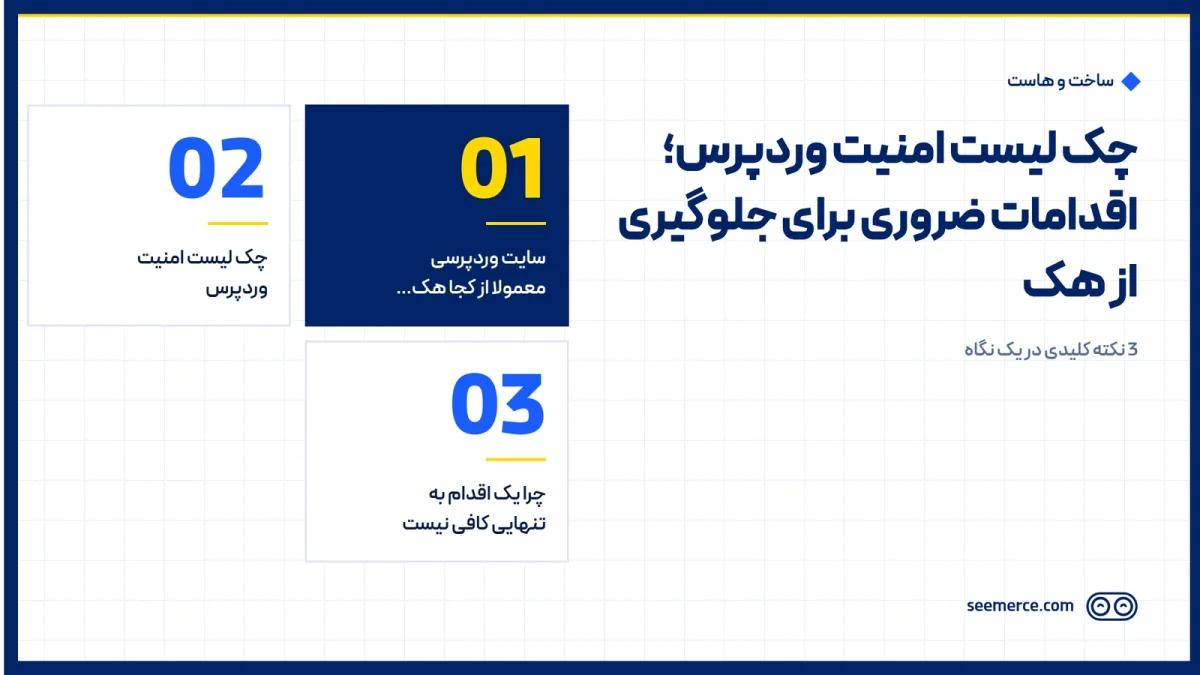
A WordPress site usually doesn't get hacked overnight. It's the result of a few small weaknesses stacking up: an outdated plugin, a weak password on one admin account, or no fresh backup when you actually need one. This checklist covers the practical, standard steps every WordPress site should have in place, no hype and no unnecessary scare tactics.
Where WordPress sites usually get hacked from
Before getting into the checklist, it helps to know what attackers are actually after. There are three common patterns. First, malware and shell injection: an attacker gets in through a weak point (a vulnerable plugin or theme, a weak password) and leaves a malicious file on the server to access the site remotely later. Second, brute-force attacks: bots try thousands of different passwords against the login page hoping to land on an account with a weak one. Third, DDoS attacks: a large volume of fake traffic is sent at the site to overwhelm the infrastructure — this one is more about the server and network than WordPress itself.
The important point is that these three threats come from different angles, and no single fix covers all of them. Malware injection usually starts with a weak point in the code or a leaked password, brute force depends on bots' patience and attempt count, and DDoS has nothing to do with the site's code at all — it hits the infrastructure directly. That's why the checklist below covers both WordPress-level steps and items that come down to the server and configuration; if you only cover one side, the other stays open.
WordPress security checklist
You can work through these in order — each one closes off a layer of risk on its own:
- Keep core, theme, and plugins always up to date. Most attacks exploit known weaknesses that have already been patched in newer versions of that plugin or WordPress itself; falling behind on updates means leaving a known door open.
- Remove inactive or unused plugins and themes. A plugin that's installed but not active can still be an entry point, because its files are still sitting on the server and not being updated; if you're not using it, delete it, don't just deactivate it.
- Use a strong, unique password for every admin user. A password shared across sites, or a simple, guessable one, is the most common reason a brute-force attack succeeds; a long, non-repeated password per account is enough to close this path off in practice.
- Limit the number of login attempts. Without this limit, bots can try passwords endlessly; locking an account or IP after a few failed attempts makes brute-force attacks effectively useless.
- Change the default login page address if needed. The standard /wp-admin address is the first place bots look; changing it isn't a complete solution on its own, but it filters out a large volume of untargeted, automated attacks.
- Install an SSL certificate and keep it always active. SSL encrypts the connection between the visitor and the server and stops login credentials from being intercepted; installing an SSL certificate is a basic requirement, though on its own it doesn't prevent a site from being hacked.
- Keep regular, automatic backups stored somewhere outside the main host. If the backup only lives on the same server that got hacked, it won't help you in a crisis; backups need a set schedule, and a copy needs to live somewhere else.
- Have a firewall in place at the server or WordPress level (WAF). A firewall stops suspicious traffic and known attack patterns before they reach the site's code; this is the same layer that blocks malware injection and reduces the impact of low-level DDoS pressure.
- Limit user access to the minimum necessary. Anyone who doesn't need admin rights shouldn't have them; the fewer high-level accounts there are, the smaller the attack surface becomes.
- Monitor site files for unauthorized changes. If a file that shouldn't change suddenly does, that's usually the first sign of a breach; active monitoring means this change is caught within the first hour, not weeks later.
You can work through this checklist yourself, step by step. If you don't have the time or technical expertise to get every item exactly right, or your site has been hacked before and you want to be sure it's fully cleaned up, Seemerce's website security team implements and maintains these same layers professionally — firewall and hardening, 24/7 monitoring, automatic backups, and hacked-site cleanup when needed.
Why one step alone isn't enough
A common mistake is assuming that doing one or two items from this list means security is handled. SSL alone isn't enough, because it only encrypts the connection and has nothing to do with vulnerable code or a weak password. A WordPress security plugin alone isn't enough either; a significant part of real security happens at the server and configuration level, somewhere a WordPress-side plugin simply has no visibility into. Real security comes from stacking several layers together, not from one single tool or setting.
So the right question isn't "which plugin should I install," it's "which layers do I have, and which am I missing." One site might have a strong password and SSL but no server-level firewall; another might have a security plugin installed but its backups sitting on the same host. Both cases are missing one or more layers from this checklist, and that's exactly where an attacker finds the gap.
What this doesn't do
To be honest: no checklist, even if you follow every item above exactly, makes a site 100% unhackable. The realistic goal is different: sharply reduce the risk of a breach, and if something does happen, shorten the time it takes to detect and respond. A site with active monitoring and a fresh backup gets identified and cleaned up within the first hours even in the worst case; a site with neither might not even notice it's been hacked for weeks.
Frequently asked questions
Is installing an SSL certificate enough for site security?
No. SSL only encrypts the connection between the visitor and the server and prevents data interception — it has nothing to do with vulnerable plugins, weak passwords, or server configuration. SSL is one layer among several needed, not the whole solution.
Is installing a security plugin enough to prevent a hack?
Not on its own. WordPress security plugins catch some application-level attacks, but a significant part of real security — server-level firewalls, correct configuration, infrastructure monitoring — sits outside what a WordPress plugin has access to.
How do I know if my site has been hacked?
Common signs include sudden site slowdowns, unexpected redirects to other sites, unfamiliar files on the host, or a Google warning about malicious content. Without active monitoring, these signs can go unnoticed for longer.
What should I do if my site has just been hacked?
First, don't take the site offline without backing up its current state, since that state is needed to investigate how the breach happened. For a proper cleanup and to make sure the entry point is actually closed, it's best to work with a team that handles both hacked-site cleanup and setting up firewall and monitoring afterward; the website security page has the details of these services.

Comments and questions
No comments yet. If you have a question, we'd be glad to hear it.
Write a comment